Unlimited uploads, file management, and brandings. 
Now 25% off with code MAX25.

Creative file sharing that's different by design

Send large files with custom branding, simple links, and a polished download experience your clients will trust.
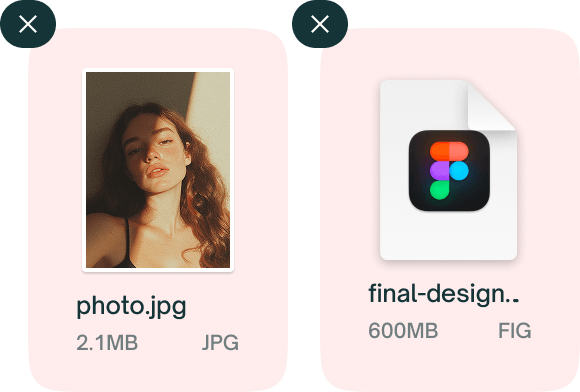
ZappFiles upload window to select creative files

1. Select your files

Press one of the buttons to select your files. You can also drag and drop files into the upload area.
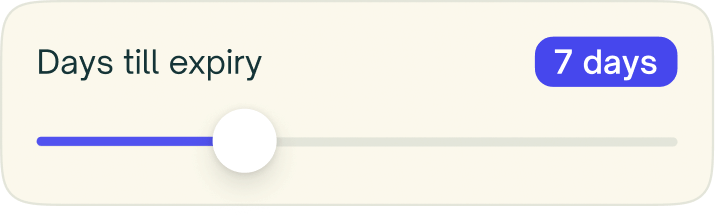
Set file expiry duration in ZappFiles

2. Set expiry

Simply drag the slider to set the expiry date. Up to 14 days for free users, 365 days for paid users.

Share branded download link in ZappFiles

3. Share your link

After uploading, you will receive a download link. Anyone with the link can download your creative files.

File management

Manage your files and uploads with ease. Add extra files or remove file from your previous uploads. Change the title, expiry or view all download information per upload.

See pricing
  • Uploads

    Get access to an extensive dashboard with your upload history, download activity, and more.

  • Files

    Made a mistake? No problem. You can edit uploads and add, remove, or replace files.

  • Settings

    After uploading, you can use your upload dashboard to update the expiry date, title and any other setting.

  • Downloads

    See who downloaded your files, when it happened, and whether all files or specific files were fetched.
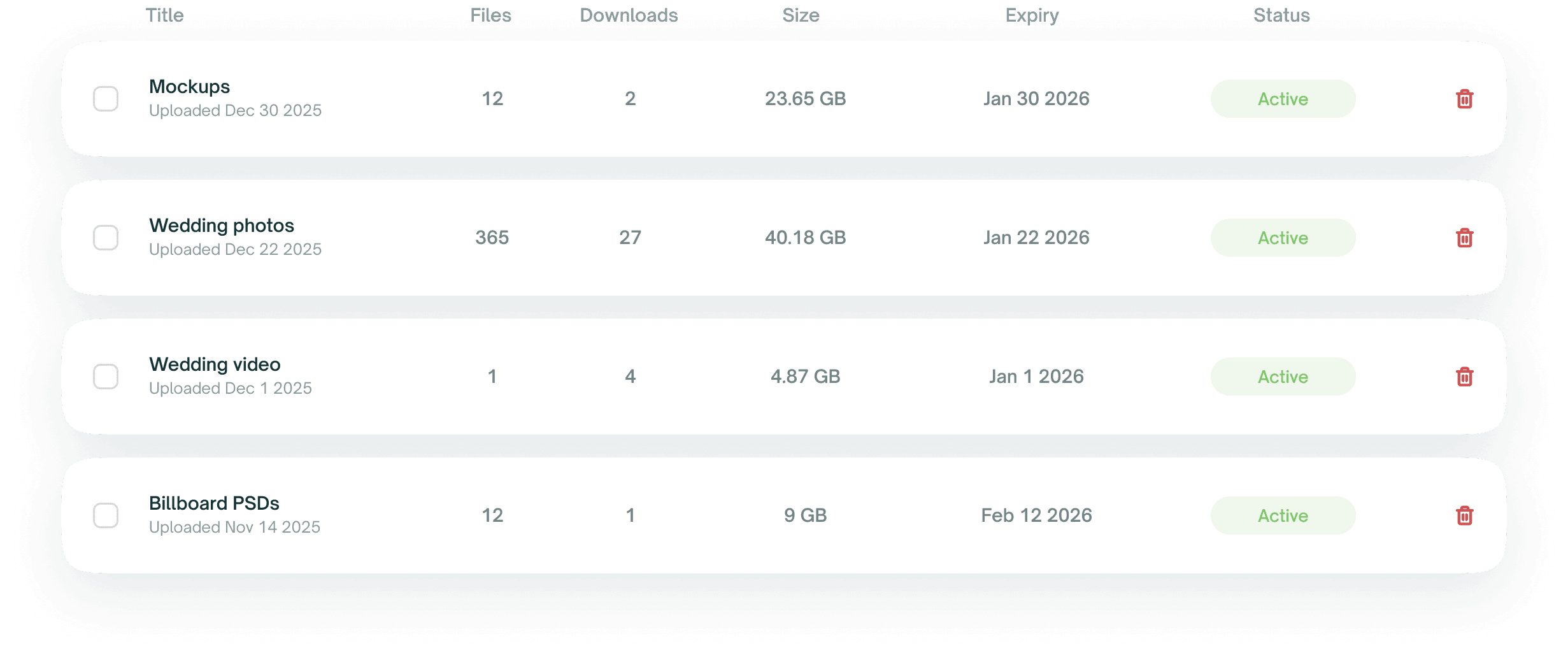
ZappFiles upload dashboard showing history and downloads

Your files, your branding, your download page

Customize your download page with your own branding, colors, and text. Add your own logo, text, and colors to your download page.

For creative minds

Photographers

Deliver full-resolution galleries, RAW files, and proofs without compression so clients see your work as intended.

Videographers

Share high-bitrate cuts, review links, and final exports with expiry dates and clean, branded download pages.

Designers

Send layered files, fonts, and assets with a polished handoff link that keeps your client experience on-brand.

Artists

Move illustration files, 3D renders, and finals securely while keeping control of how long links stay live.

Musicians

Send stems, mixes, and masters fast with simple, trusted links that don’t force listeners through ads.

Creatives

A WeTransfer-style file sharing flow built for teams who need reliability, brand control, and effortless delivery.

Start for free

FAQs

Can’t find the answer you’re looking for?
Reach out to our customer support team.

No. We do not sell personal data and we do not use customer files to train AI models.

Transfers use TLS to protect data in transit. Stored files are encrypted with AES‑256 at rest on AWS.

Yes. By default, we select the closest region for speed. Premium plans let you choose a region manually, which can improve client download performance.

Yes. By default, we select the closest region for speed. Premium plans let you choose a region manually, which can improve client download performance.

Soon on paid plans. Add a password to restrict access and share it out‑of‑band for best security.

The quickest way to share your files through ZappFiles is by zipping them before you upload them. This way, they don’t need to be archived or compressed by us, which will save you significant time in the process. Don’t want to zip? No problem, we will do it for you, but your upload takes a little more time.

You don’t need to sign up to use our service. You can use it for free, forever. Having said that, you can signup for free, and get a little more data. If you need to send really large files, we do ask a small monthly fee to help you and cover our costs.

It’s not a problem if you don’t enter your email when sending files. You will just have to make sure that you copy the download link after uploading. You will not receive the download link in your email inbox, only if you entered your email address or signed up.

Isn’t it annoying when your clients or colleagues can identify your files? By setting your own title you give extra security and visibility to your files. The people you share your download link with will understand what your files are about.

The link stays active as long as you selected in the “Details” tab in the upload window. If you register for free, your link can stay active for a little longer. If you need even longer expiry dates, you’ll need our Pro our Max plan.

To make sure your files are stored where you want, you can select where we store your files. You’re able to select USA, Europe and Asia. We will make sure your files are safely stored on servers in your selected region. Don’t worry, after your files expiry, they are automatically deleted from these servers.

If you don’t leave the receivers email, they will not receive the download link in their inbox. You can just copy and share the download link as you please. If you do leave the email address, we will send a download link, so you don’t need to. Not to worry, we will not be sending any other emails to that address.

Your files are automatically deleted when they expire. If you want to delete them before that, you can upgrade to our Pro or Max plan. Here you will find a dashboard with all your past uploads, and you can delete them whenever you like!