Your brand on every download
The download page is the last thing your client sees, so it should look like you. Pick an appearance, add your logo and colors, and every link you send becomes part of your brand.
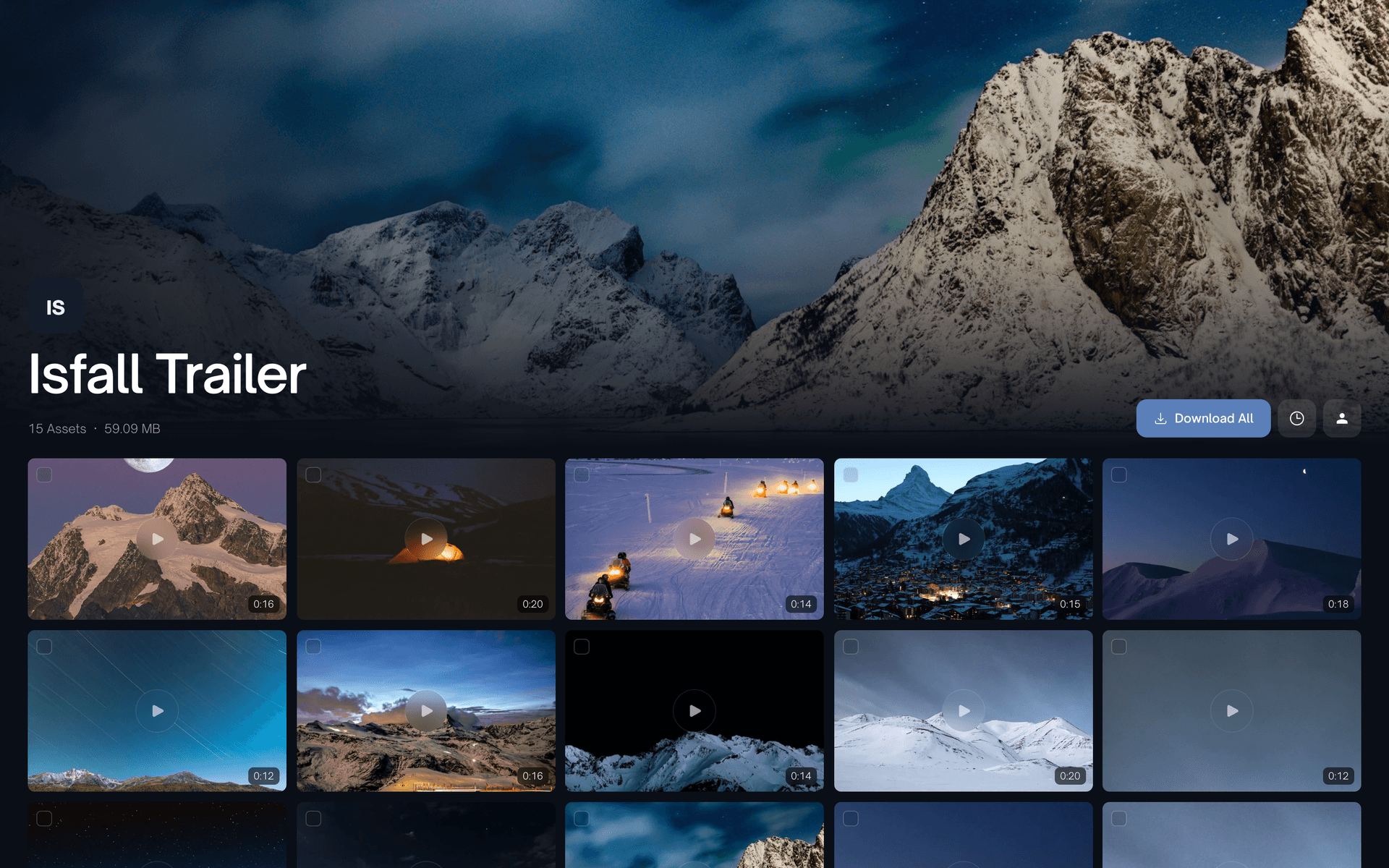
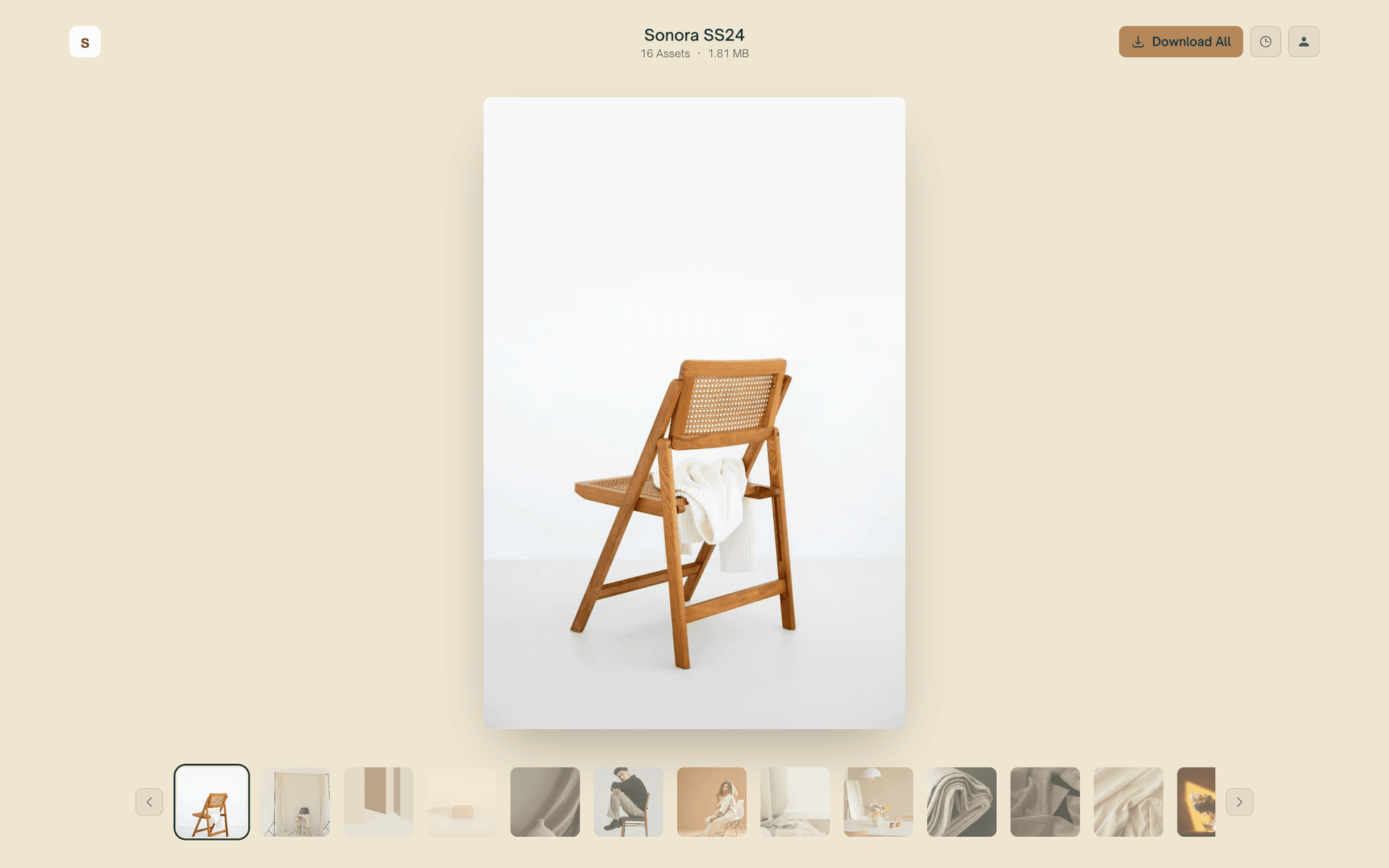
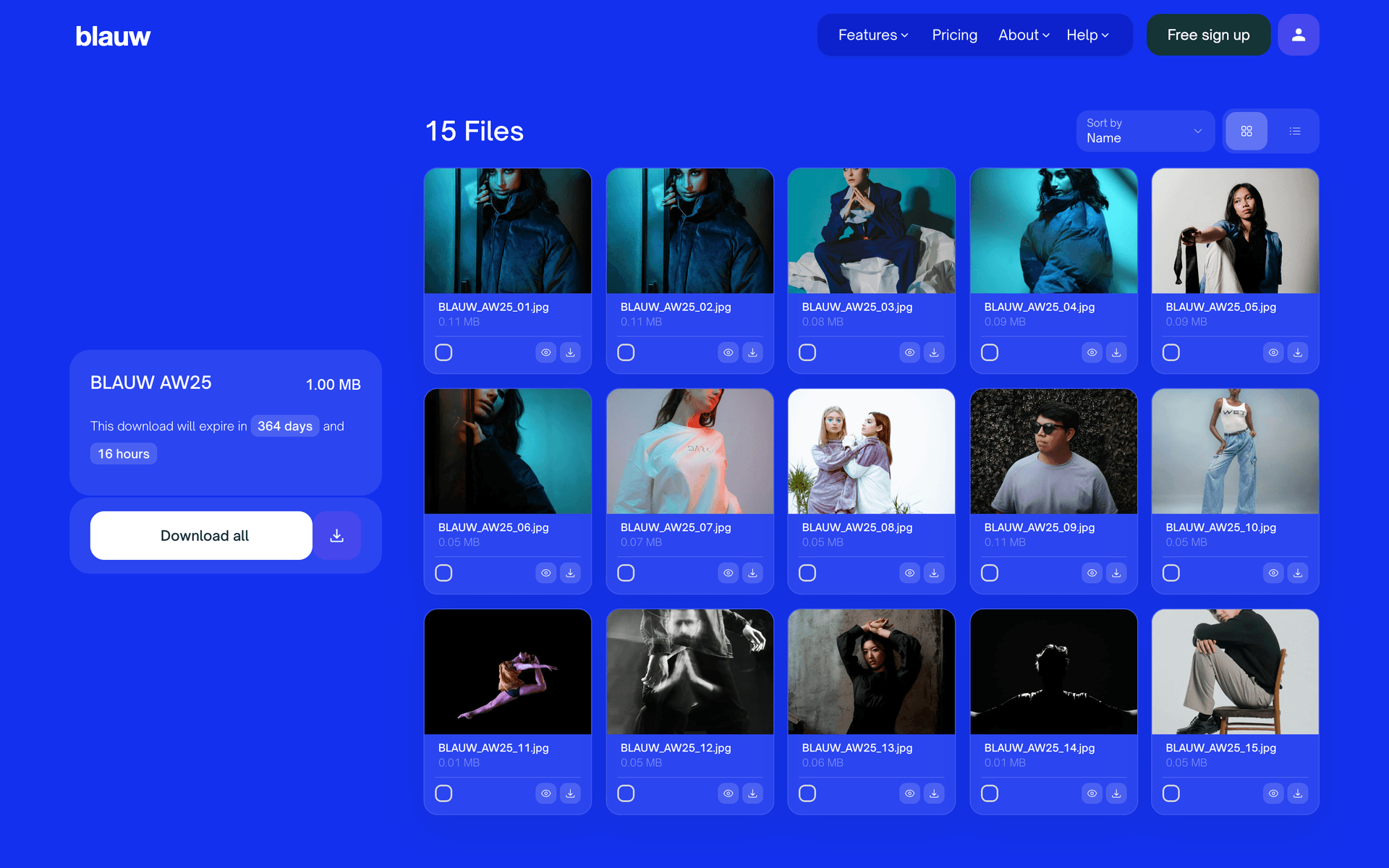
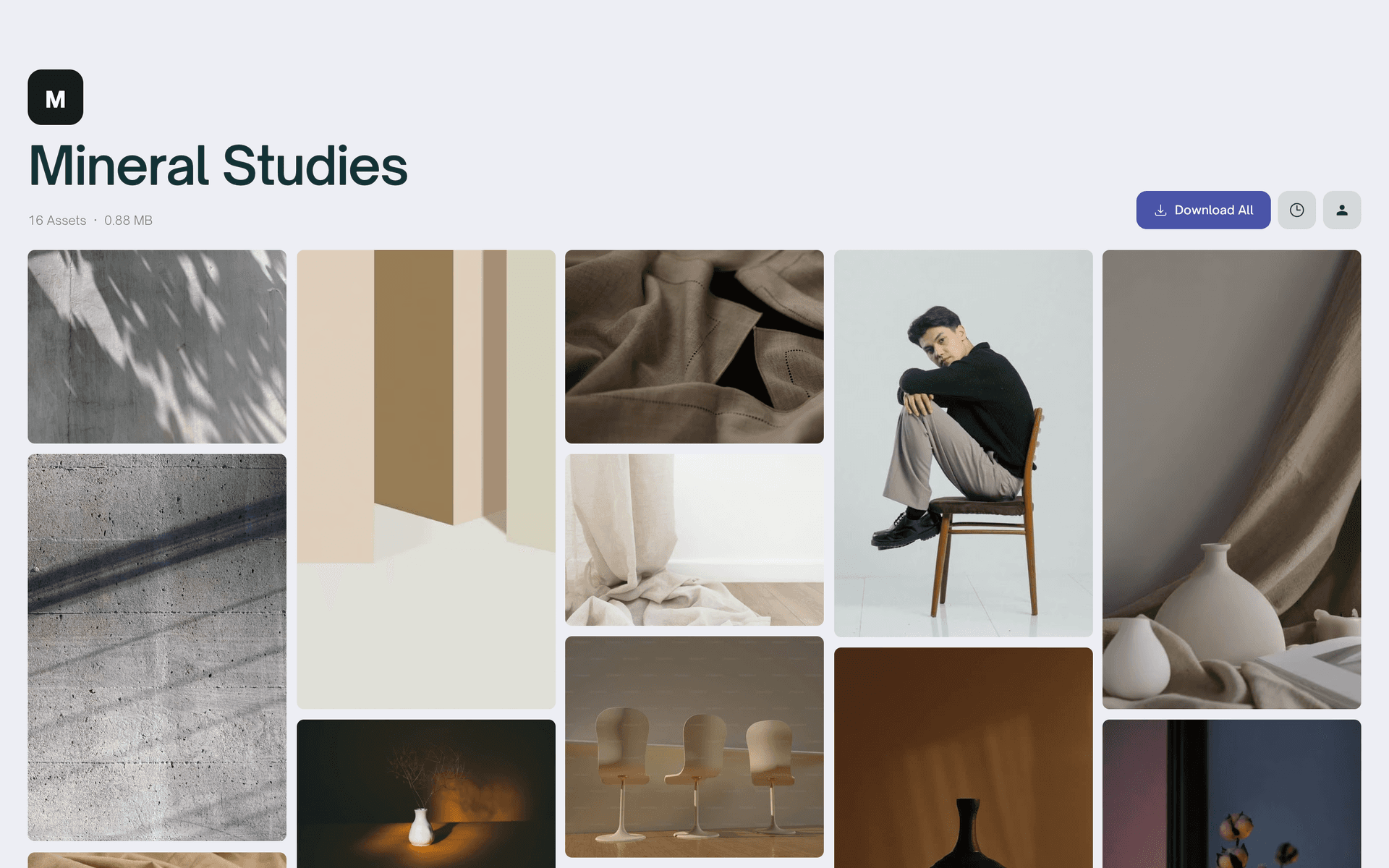
Four layouts, one click apart
Classic, Grid, Masonry or Reel, each in a light and a dark theme. The appearance changes the whole layout of the download page. Pick one as your default, or set a different one per transfer. These are real pages from one account.
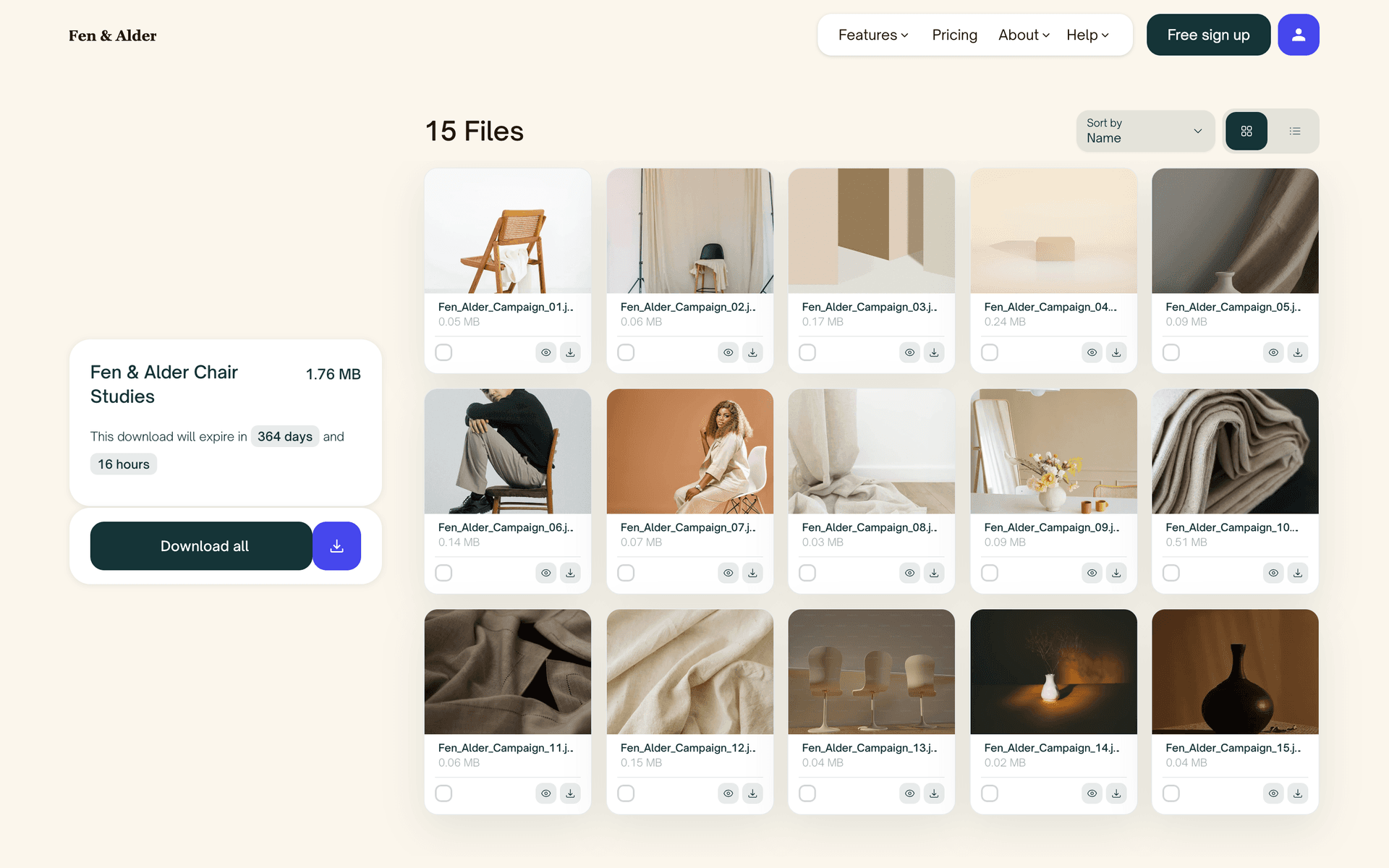
Classic
The signature ZappFiles look. Clean cards, big previews, and the most room for your full branding. In light or dark.
Grid
An edge to edge gallery with aligned tiles, opening on a full width cover photo if you set one. Made for drops that should feel cinematic.
Masonry
The Grid appearance with a staggered layout. Mixed portrait and landscape shots keep their own proportions, like a gallery wall.
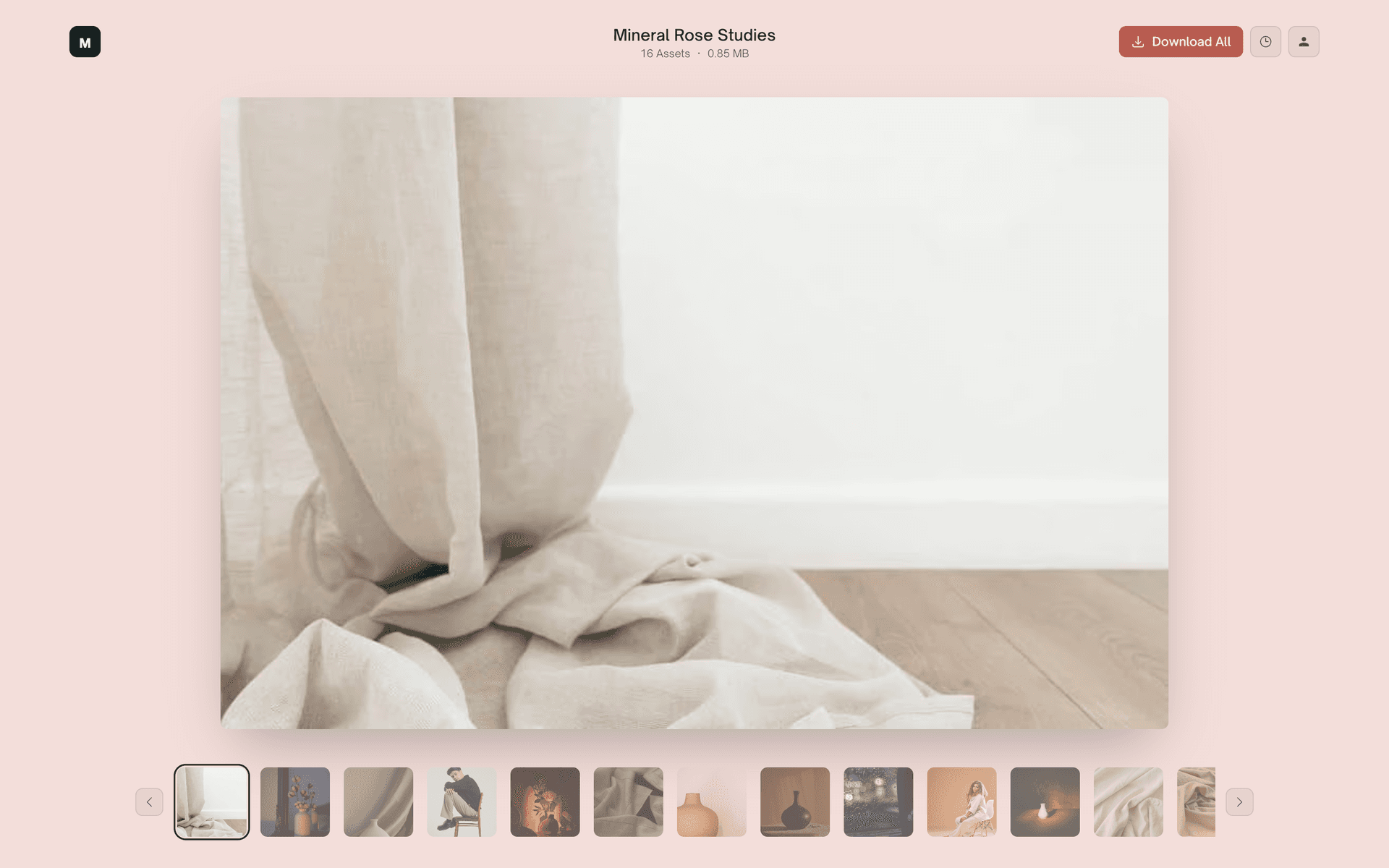
Reel
One file in the spotlight with a thumbnail strip underneath. Recipients flip through the set with arrows or their keyboard.
Watch a page become yours
The customize editor shows the real download page while you work. Pick an appearance, set your colors, drop in your logo, and what you see is exactly what your client gets.
Your logo, your colors, your words
On Max, the page is yours. Add your logo and a background color or image to any appearance, and the page adapts on its own so the text stays readable. Your client sees your studio, not ours.
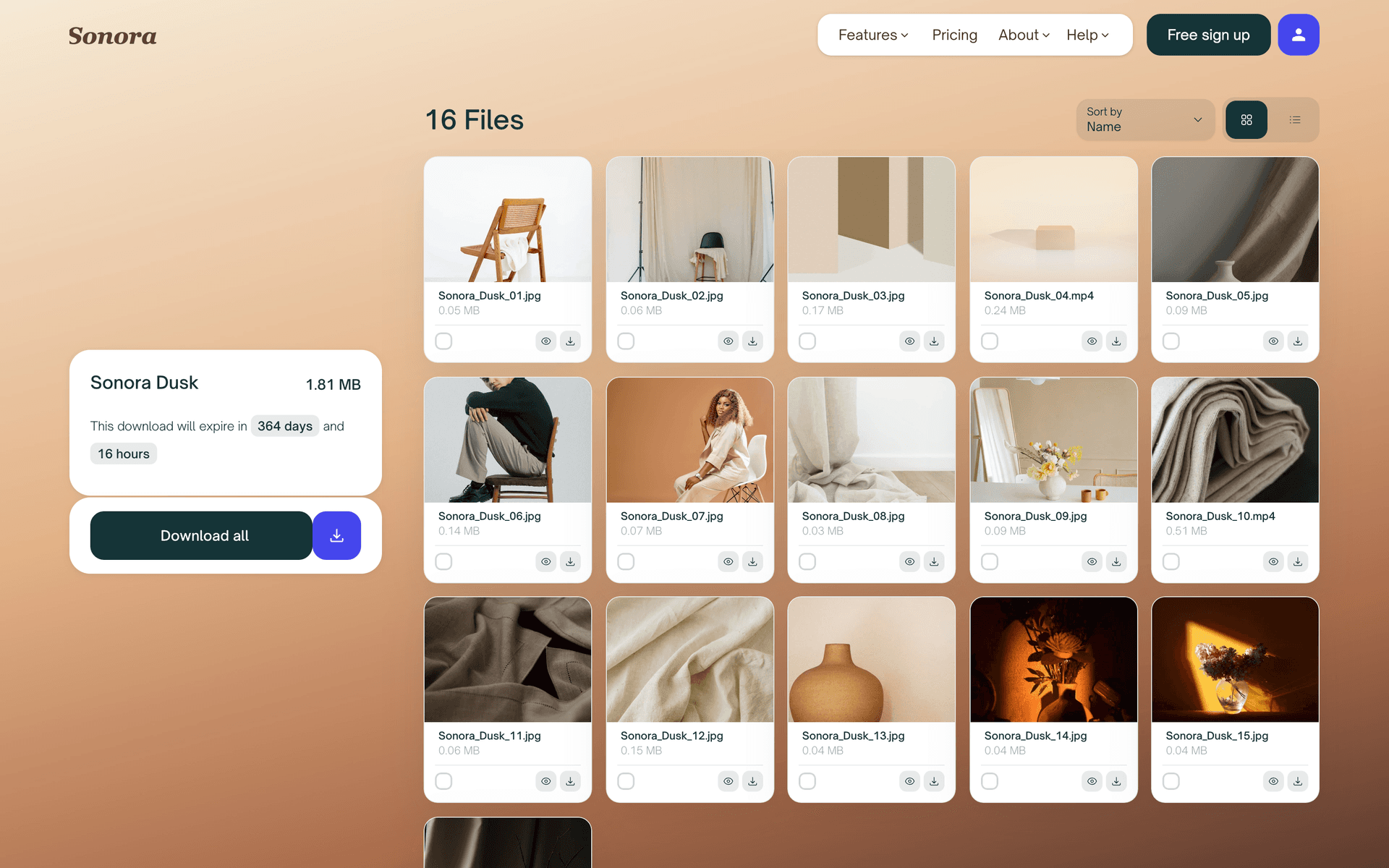
Set the scene with a backdrop
Use a full bleed photo behind the whole page, or keep it minimal with a single brand color. A shot from the project itself makes the delivery feel like part of the work.
Everything you can make yours
- Logo and imagery
- Upload your own logo and a background image. Every link you send feels like an extension of your portfolio.
- Colors
- Set a background color to match your brand, and pick the color your logo shows in. The rest of the page adapts on its own.
- Light or dark
- Every appearance comes in a light and a dark theme that just work. Editing the background turns it into your own custom theme.
- Your address
- A custom subdomain like studio.zappfiles.com, so even the link itself carries your name.
From default to on brand
1. Open Customization
Head to the Customization page in your account. You see a live preview of your download page the whole time you're editing.
2. Pick an appearance
Choose Classic, Grid, or Reel, then pick the light or dark theme. Grid also lets you switch between an aligned and a masonry layout.
3. Make it yours
Upload your logo, then drop in a background image or set a brand color. The page adapts around it so everything stays readable.
4. Save once, send forever
Hit save and every new link uses your look. Want one delivery to stand out? Restyle a single transfer without touching the rest.
Even the link carries your name
Max includes a custom subdomain, so downloads live on an address like studio.zappfiles.com. Your logo, your colors, your domain. The whole handoff happens under your brand.
FAQs
Can’t find the answer you’re looking for?
Reach out to our customer support team.
Send links that look like your studio
Templates come with Pro. Full branding and the custom domain come with Max. Set it up once and every delivery after that is on brand.