How to collect files from clients without the email chaos
Sending files to clients is the easy part. Getting files back from them is where projects stall. Logos arrive in four separate emails, the raw footage sits in a drive folder you can't open, and version three of the brief is in a WhatsApp chat. There's a much cleaner way: one upload link that collects everything in one place.
Why collecting over email breaks down
Email was built for messages, not for handing over a project's worth of assets. When clients send files by mail, three things go wrong over and over:
- Attachment limits. Most inboxes cap out around 20 to 25 MB, so anything real gets split across multiple emails or doesn't arrive at all. We covered the exact limits in this guide.
- Everything scatters. Files arrive across days and threads, and you become the person who reassembles the project from an inbox.
- You end up chasing. Every missing file is another follow up email, and every follow up makes you look less organized than you are.
Shared drive folders fix the size problem but add a new one: permissions. The client needs the right account, the right access level, and the discipline not to drop files in the wrong folder. For a one time handoff, that's a lot of setup.
A file request link does the collecting for you
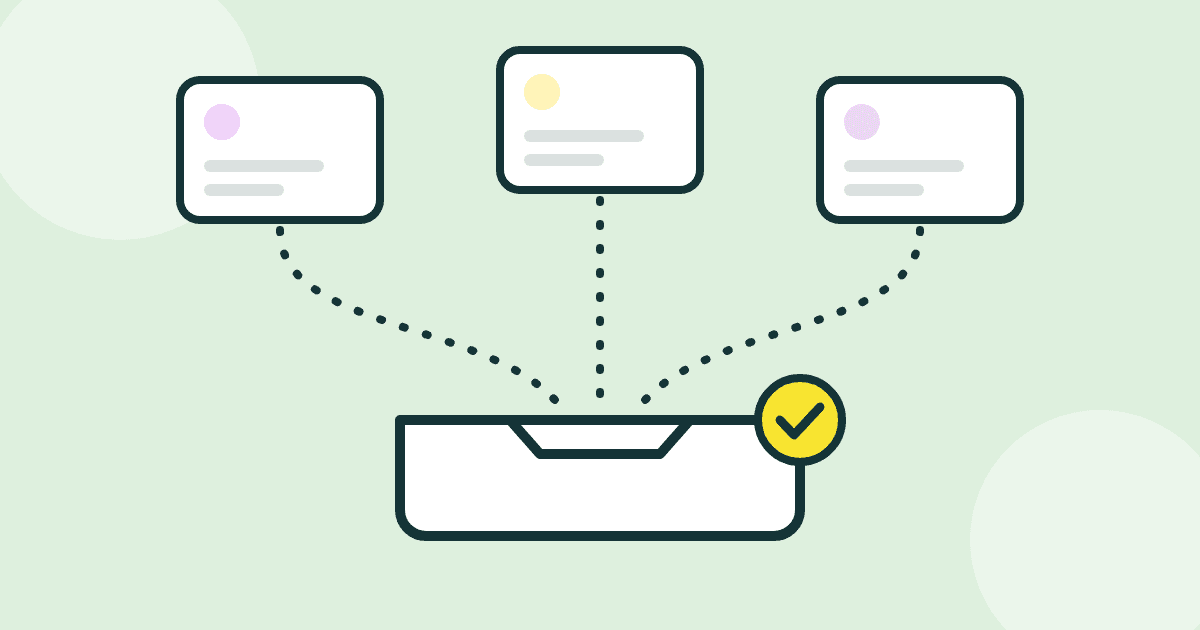
A file request flips the direction of a transfer link. Instead of you sending files out, you create a private upload page and share the link. Anyone with the link can drop files on it, straight from their browser, without creating an account. Everything they upload lands in your dashboard, grouped under the request you created.
Your client doesn't install anything, doesn't sign up for anything, and doesn't need to know what a permission setting is. They open the link, drag their files in, and they're done.
How to set up a file request in ZappFiles
- Sign in and open File requests in your dashboard.
- Give the request a clear title and a short message, for example what you need and when you need it.
- Copy the link and send it to your client. Mail, chat, wherever.
- Files show up in your dashboard as they arrive, with folder structure preserved.
File requests are available on every plan, including the free one. The step by step details live in the help center, and the full feature overview is on the file requests page.
Five habits that make client handoffs painless
- One request per project. Don't reuse a link across clients, or you'll be sorting files by guesswork again.
- Say exactly what you need in the request message. A short list beats a paragraph: logo as vector file, brand fonts, final copy.
- Ask for original files, not exports. You can always compress later. Nobody has ever un-compressed a 720p video.
- Give a deadline in the message. A link with a date attached gets handled. A link without one gets bookmarked.
- Check the files the day they arrive, while the client still has the project fresh in their head.
Collecting files is half the job. When the work is done and it is your turn to deliver, read our guide on sending design files to clients.
Collect files with one link
Create a file request in under a minute. Your client uploads without an account, and everything lands in your dashboard.